Changelog

Follow new updates and improvements to Welcome Workdays.

📢 Custom Menu Items for Buildings – Now Live! 🚀
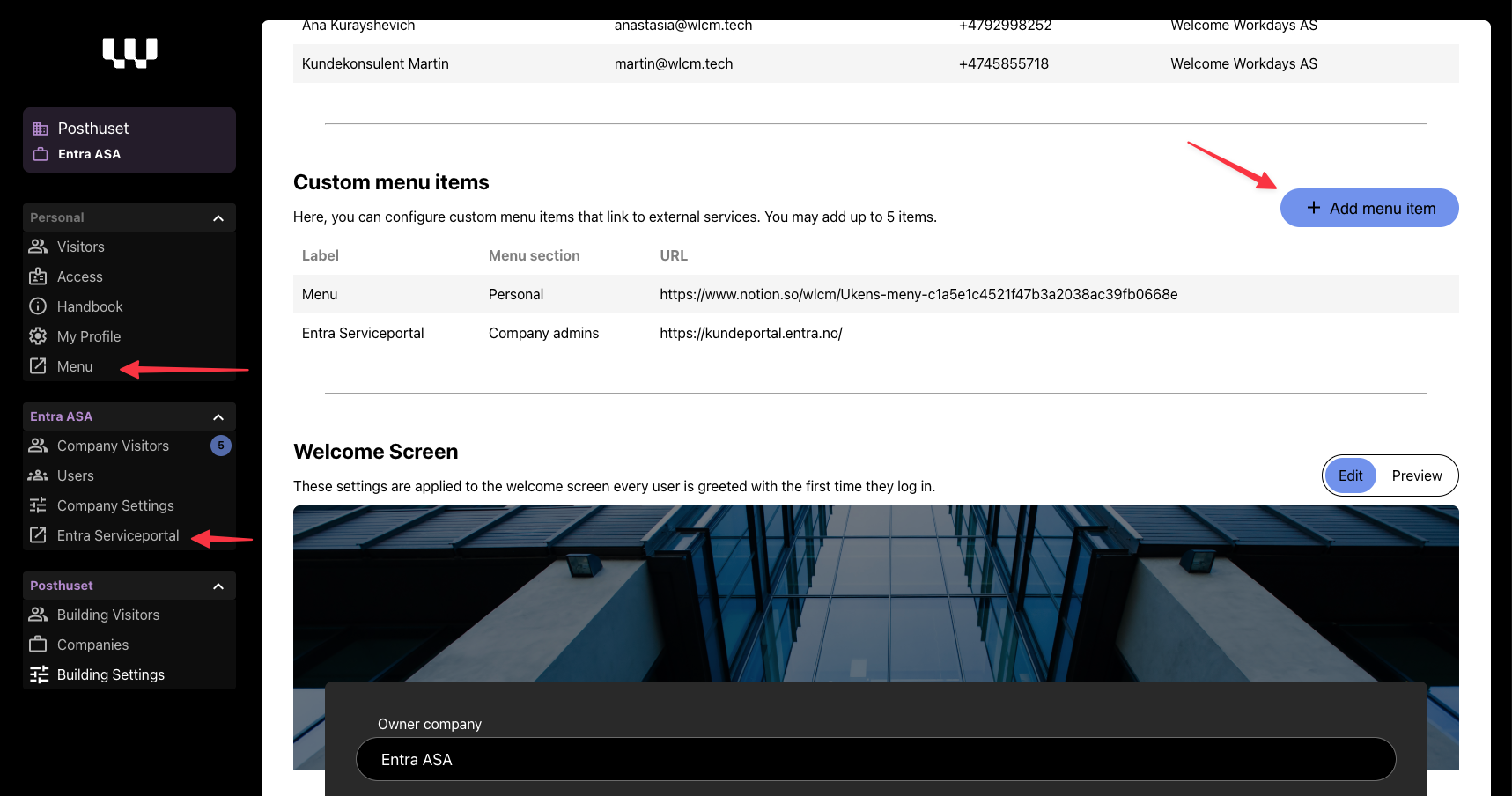
We’ve just rolled out Custom Menu Items – a new way to give tenants and tenant admins quick access to key third-party services directly from Welcome Workdays.

What’s New?

Building admins can now configure up to five custom menu items for their building. These items can be used to link to essential services such as:

  • Service request portals (e.g., Storebrand’s FDV portal for tenant administrators)

  • Canteen menus (e.g., Entra’s weekly food menu)

  • Parking registration info

  • Other building-specific third-party tools

Each menu item includes:

✔ Custom Name (Norwegian & English)
✔ Visibility Settings (All users or Tenant Admins only)
✔ Outbound URL (Opens in a new tab with an outbound link icon)

💡 How to Configure?

Admins can add and manage these links under Building Settings in the Welcome Workdays admin panel.

🔎 Why This Matters?

  • Makes Welcome Workdays the centralized place for tenants to find important services

  • Reduces the need for manual communication (e.g., emails about menus or service portals)

  • Keeps third-party tools easily accessible without cluttering the handbook

🚀 Get Started!

Head over to Building Settings now to set up your custom menu items!
New

🎉 Say Hello to Welcome Booking!

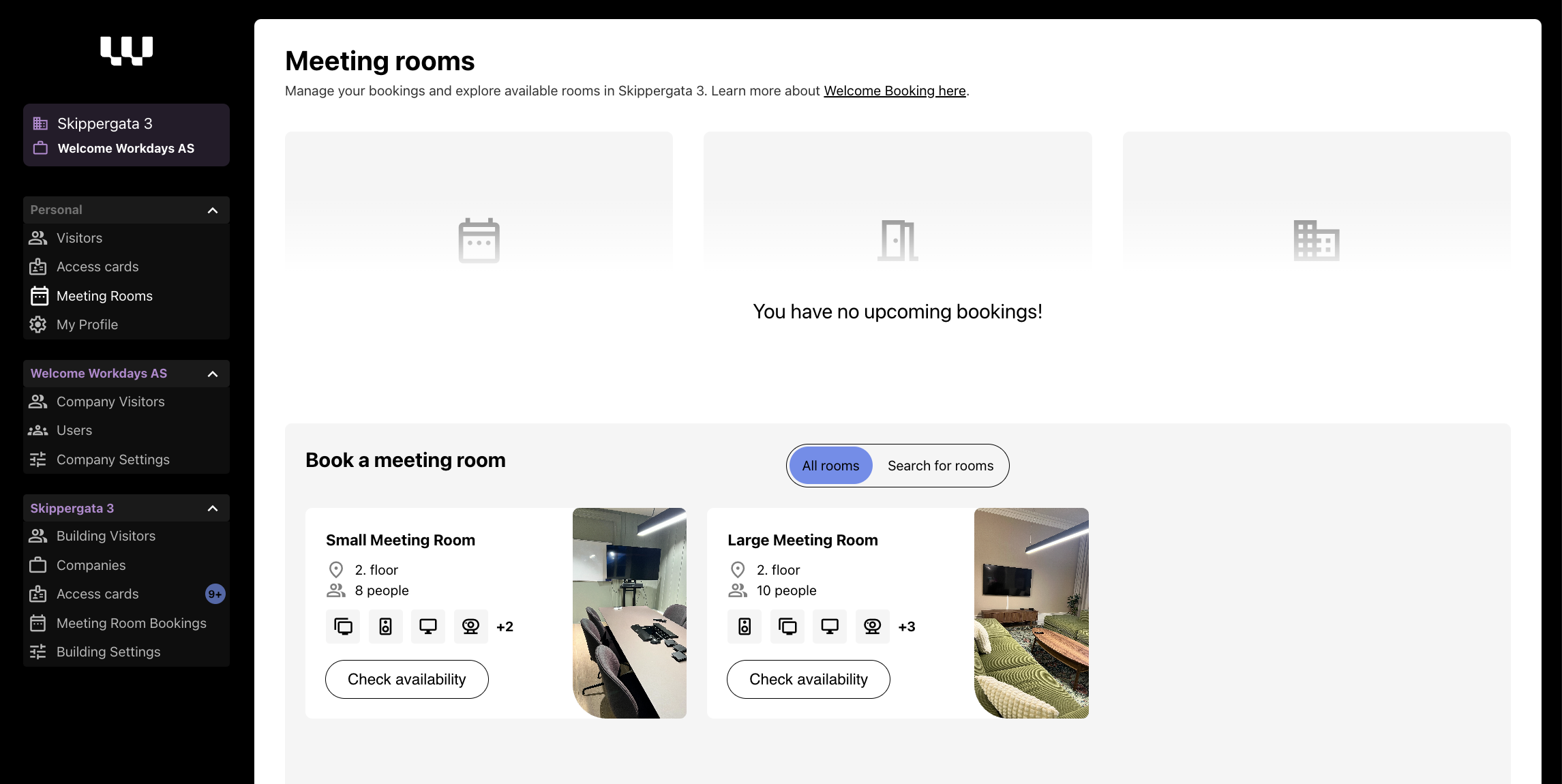
In Welcome Workdays HQ we're excited to introduce Welcome Booking - our new way to handle shared meeting rooms in your office building. You know, the ones in common areas that everyone can use, like auditoriums or shared meeting spaces (not the ones inside your office though - tenant spaces you can best manage yourself 😉).

What's cool about it?

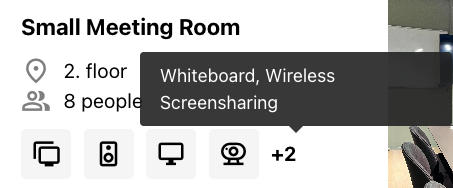
  • Spot available rooms in a snap - see everything from capacity, location and available equipment.

  • Book rooms two ways: either pick your favourite room and find a time, or find available rooms that match your requirements and time - we'll show you what's free

  • Get instant confirmation emails when you book or cancel

  • Check out all the room features with our neat little icons (we love icons! 🎯)

Room information at a glance:

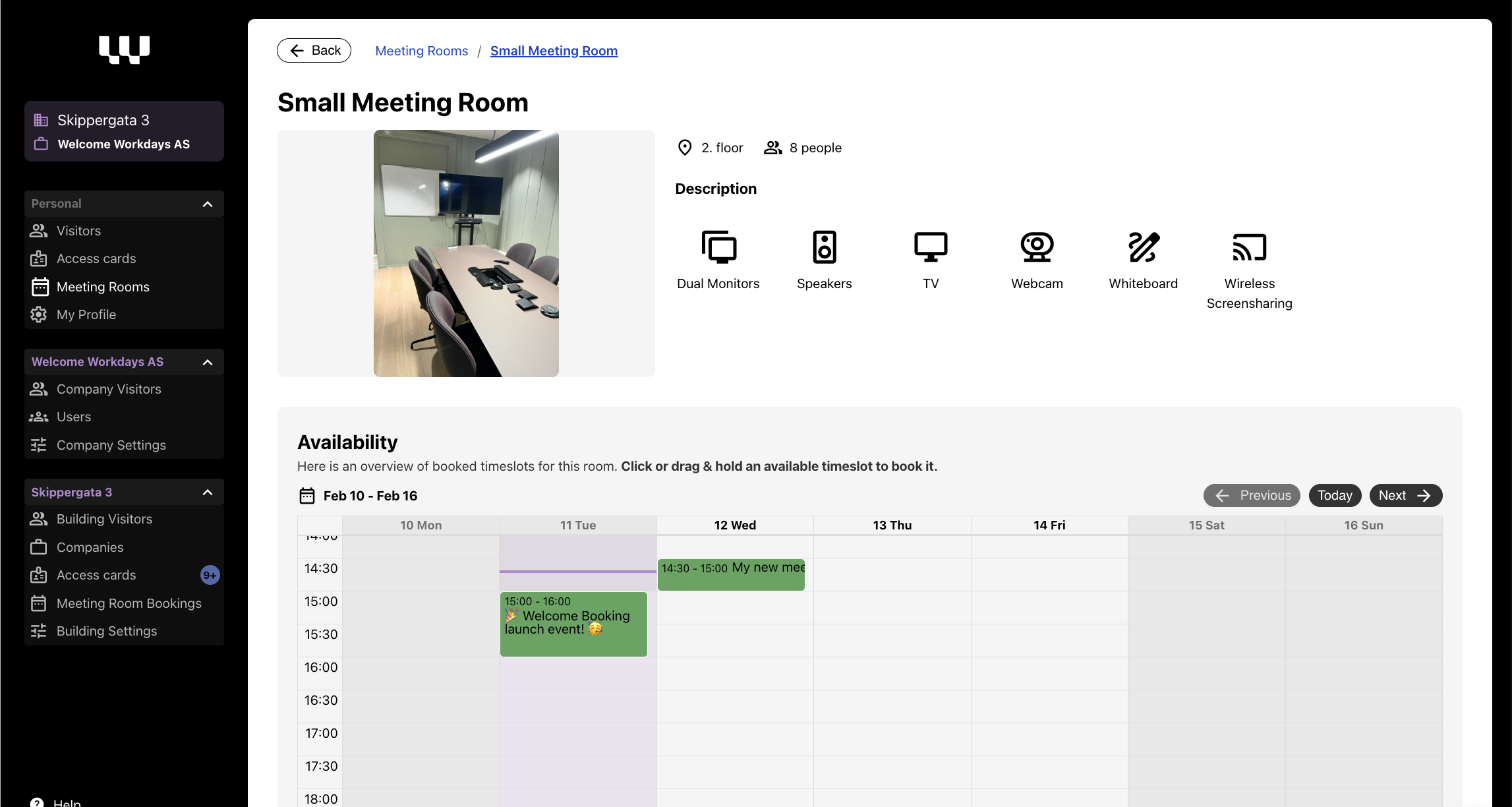
  • View room capacity and location

  • See available equipment and features with clear icons

  • Check real-time availability with an interactive calendar - book right in the calendar.

  • Book in 30-minute increments

🏢 Are you a building admin? It is easy to manage:

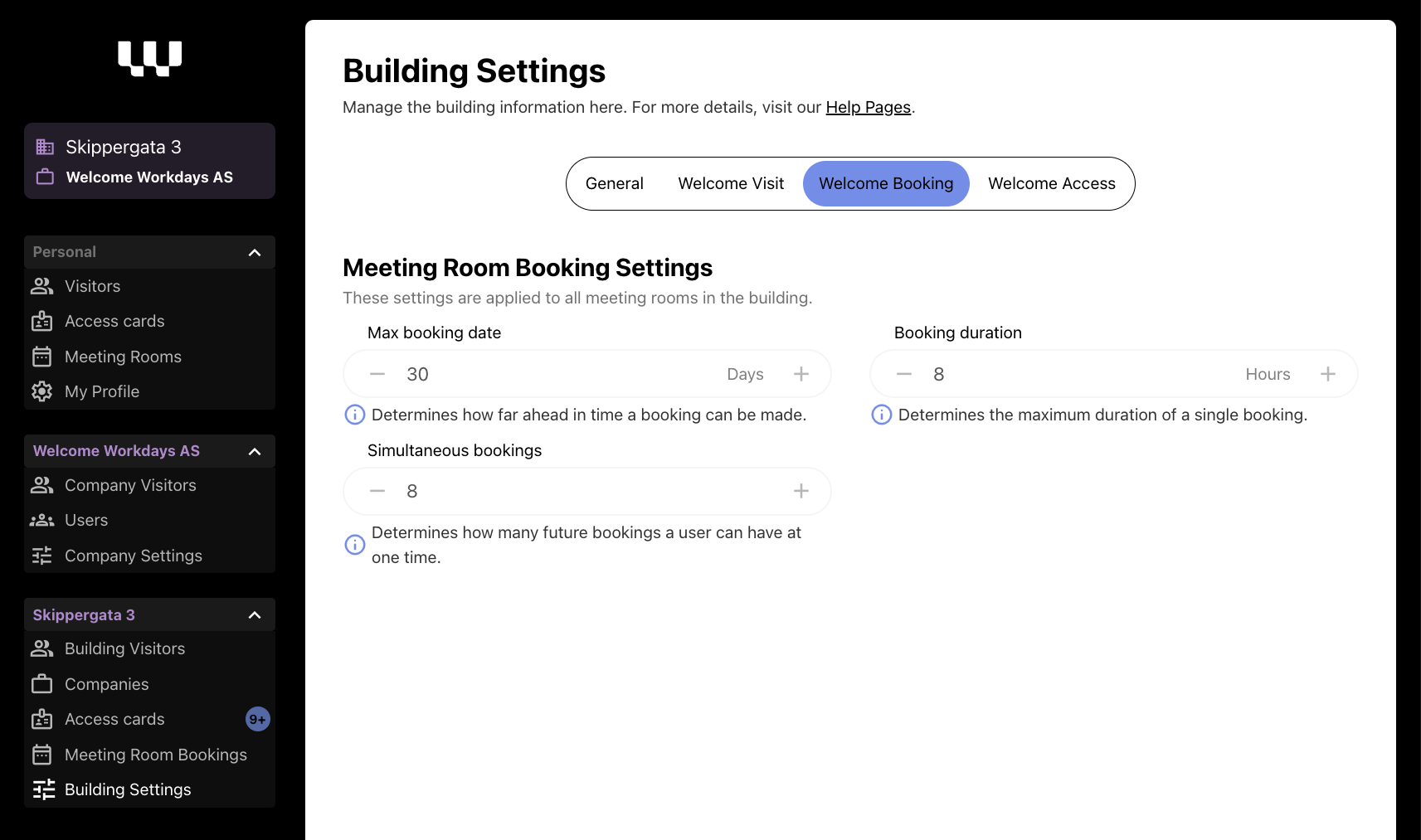
  • Manage room details and settings in the Building settings menu

  • Configure room availability and booking rules

  • Decide how far ahead people can book in your building

  • Set maximum meeting lengths

  • Control how many active bookings each person can have

Big shoutout to Sundtkvartalet and Entra for being our first Welcome Booking users! 🎈

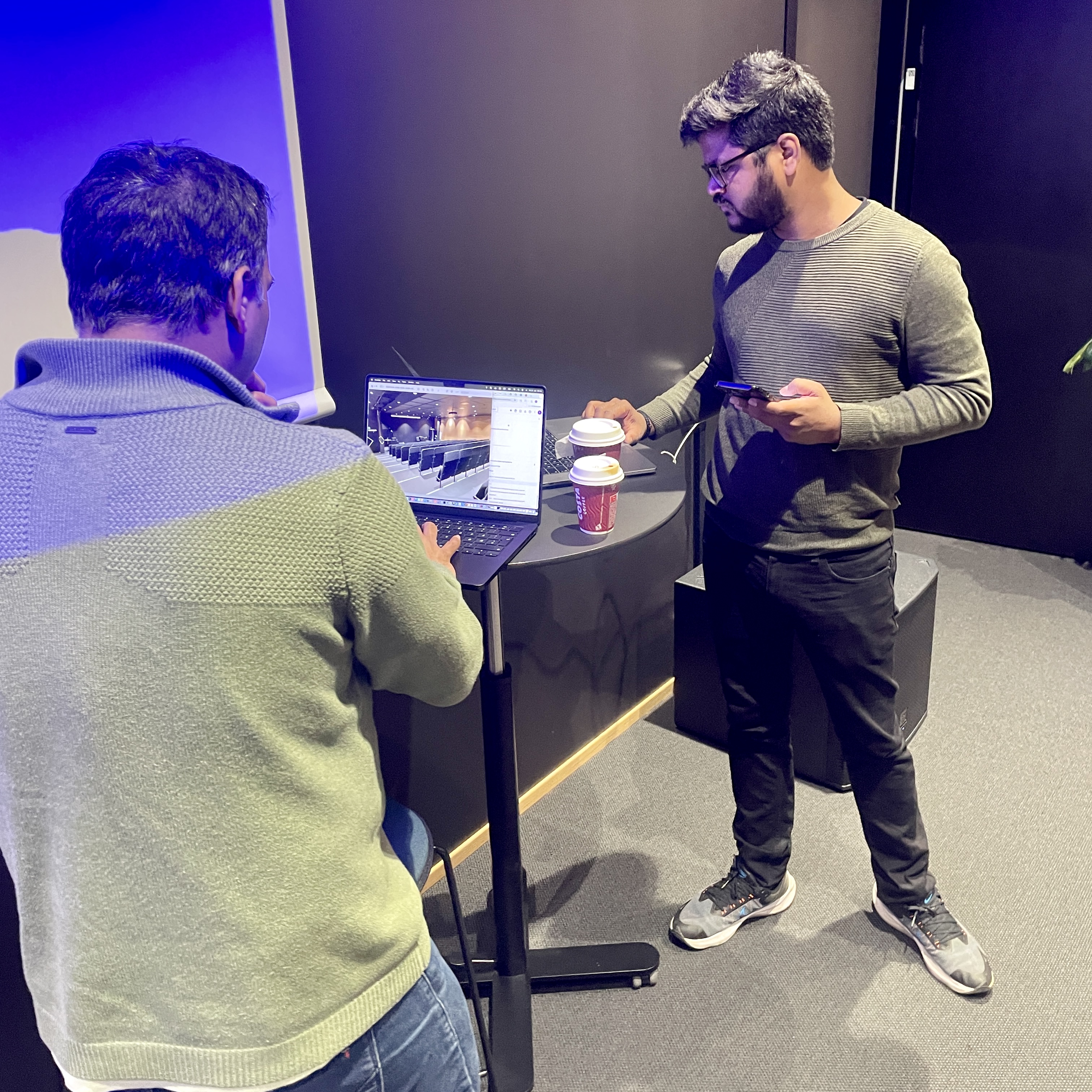
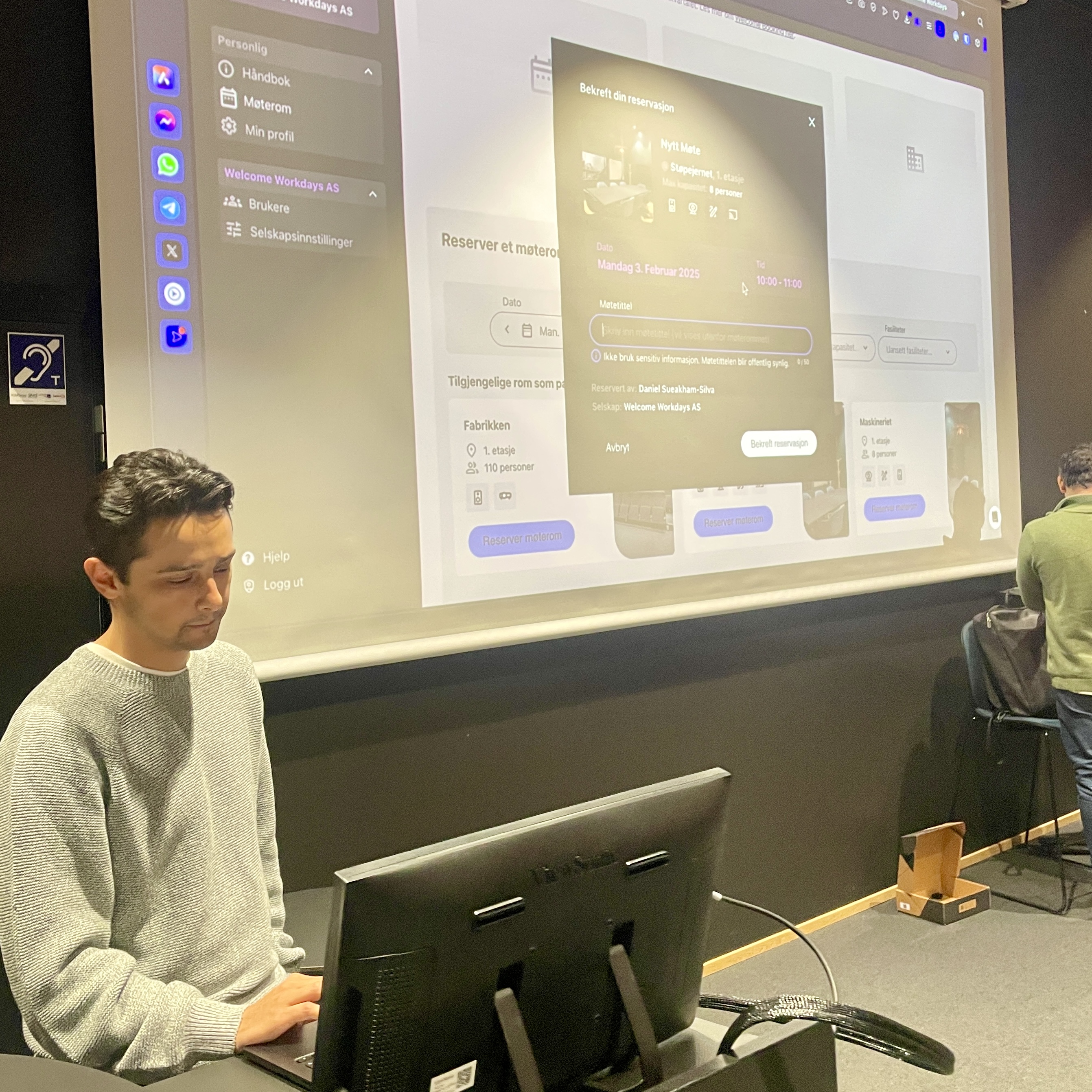
Here is the team that developed Welcome Booking: Durgesh, Rohan and Daniel in Sundtkvartalet!

Fun fact: Our dev team was so excited about the launch, they might have booked every meeting room just to test it... multiple times! 😅

We're just getting started with Welcome Booking, and we'd love to hear what you think! Drop us a note if you have any feedback or ideas - we're all ears 👂


Welcome to your new meeting!

New